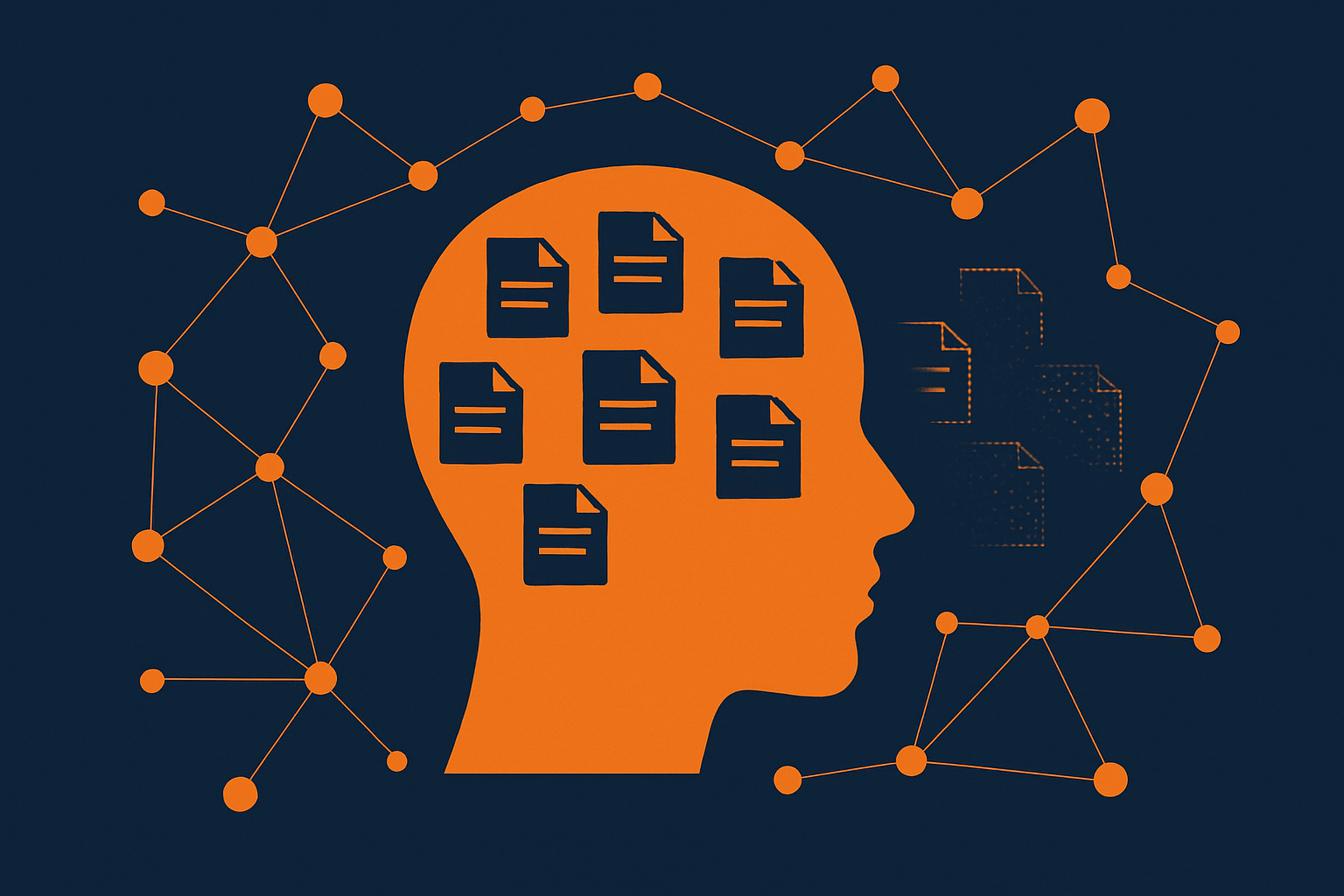
When I first started building my personal AI assistant, Clawdia, she would always get the time wrong. It took a few attempts to fix. I tried prompting. I tried putting the timezone in her config. Eventually she built a hook that injects the current date and time into every single message before she even sees it.
And then I forgot it was ever a problem.
That’s kind of how working with an AI assistant actually goes. You hit something broken, you get the agent to fix it, it breaks differently, you prompt it to try and fix it again, and then at some point it just starts working and you can’t even remember when it crossed the line. Nobody writes about that part. They write about the setup, the first magical moment you see it just figures something out on its own, maybe the architecture diagram. They don’t write about the three weeks where your agent keeps suggesting cauliflower rice even though you’ve told it four times you hate it.
I’ve been running Clawdia for about three months now. Claude-powered, multi-model, integrated with basically everything — email, calendar, personal CRM, task management, a MongoDB-backed knowledge vault. She runs on a server, has cron jobs, spawns sub-agents for parallel work, built and iterated on a custom UI to make it easier to work on things when Telegram doesn’t quite cut it. I depend on her daily for real work.
The single hardest problem has been memory.
The first week is a lie
When you first set up an AI agent, everything feels incredible. You have a conversation, she remembers what you said five messages ago, builds on context, feels like she gets you. People set up their agent, have a great first session, and post about how it changed their life.
What’s actually happening: everything fits in the context window. The model isn’t remembering anything. It’s reading the entire conversation back every time it responds. That’s not memory. That’s an open book exam.
The moment that conversation gets long enough to hit the context limit, compaction kicks in. The system summarises the old messages to make room for new ones.
When compaction eats your preferences
Why compaction exists: context windows are huge now — Claude supports up to a million tokens — but a million tokens is great if you’re working across a large codebase. For a personal assistant, it’s overkill. I’ve found around 200K is the sweet spot for daily use. Beyond that, the agent starts to get flaky and every token costs money and time. So the system compacts: summarise the old stuff, keep the window lean, get better responses faster for less.
The tradeoff: compaction takes your raw conversation and squashes it into a summary. That summary replaces the actual messages. Every time it happens, you lose nuance. Preferences get flattened. The specific way you phrased something becomes a generic version of what you meant. After six or so compactions, your agent is working off a summary of a summary of a summary.
I didn’t notice until about month two. Clawdia started getting things subtly wrong. Not hallucinating — just off. She’d suggest things I’d already told her I didn’t want. Forget preferences I’d stated clearly. Confidently reference context that had been compacted away.
She doesn’t know she’s lost something. She doesn’t say “I’m not sure, my memory might be degraded.” She just confidently operates on incomplete information. That’s worse than forgetting entirely.
Your agent’s files are your agent
This took me a while to take seriously: the quality of your agent’s files is the quality of your agent.
The file-based memory pattern isn’t something I invented — it’s how most agent frameworks work out of the box. OpenClaw gives you markdown files that load into context every session. The hard part wasn’t the structure. It was learning how to use it properly.
Each file has one job:
- SOUL.md — who the agent is. Personality, tone, values.
- USER.md — who I am. My details, family, work, communication style. Single source of truth.
- MEMORY.md — things the agent has learned. Preferences, lessons, workflow patterns.
- AGENTS.md — how we work. Rules, constraints, operating procedures.
- SESSION-STATE.md — active context that needs to survive the next compaction.
One rule: if information belongs in a file, it lives in ONE file. No duplicating. If something’s about me, USER.md. How we work, AGENTS.md. A lesson learned, MEMORY.md.
Sounds obvious. It took me weeks of the agent contradicting itself before I figured it out. The contradictions happened because the same preference was written slightly differently in three different places, and she’d pick up whichever version she read last.
Saving context before it disappears
SESSION-STATE.md is the file I wish I’d set up on day one.
The problem: you tell your agent something important mid-conversation. A preference, a decision, a piece of context. She acknowledges it. Then the session compacts and it’s gone. Summarised into “user discussed preferences.”
So now, when I say something that matters beyond the current message, she writes it to SESSION-STATE.md before responding. Not after. Before. Even if the session compacts immediately after, the context is already saved to a file that gets loaded next time.
In practice, she’s inconsistent about it. Big decisions, yes. Smaller preferences mid-conversation, not always. The intent is proactive. The execution is mostly.
It’s not a log. It’s hot context — stuff that needs to be in her head right now. When it’s no longer active, it moves to MEMORY.md or daily logs.
Long-term recall
Files handle identity and active context. But there’s stuff that doesn’t fit in files — articles I’ve read, research I’ve done, things I saved at 11pm because they seemed important.
For that I built what I call the vault — a MongoDB collection with vector search. When Clawdia needs to recall something, she searches semantically. “What did I save about X three weeks ago?” actually works. Not perfectly, but well enough to catch things I’d completely forgotten about.
Files for who I am and how we work. The vault for everything else.
Letting old memories fade
After a few months, the vault has hundreds of documents. Articles, conversations, research notes. Search results were getting polluted by stuff from months ago that wasn’t relevant anymore.
The fix was time decay. Every document has a timestamp, and results get scored with a half-life function — 30 days by default. Something saved yesterday has nearly full weight. A month ago, about half. Three months, way down unless it’s a really strong semantic match.
Old stuff naturally sinks to the bottom but it’s still there. This matters because context has a way of becoming relevant again. Something I saved in February about agent memory suddenly mattered in April when I was solving a specific problem. If I’d deleted it, gone. Instead it was just quiet, waiting for the right query.
That’s how human memory works too. You don’t purge old memories. They just become harder to access unless something triggers them.
When the dots connect themselves
Files give Clawdia identity. Vector search gives her recall. But there’s a third layer that turned out to matter more than I expected: a knowledge graph.
When Clawdia saves something to the vault, she automatically links it to related entities — people, companies, topics — and connects it to existing documents that overlap. Over months, this builds a web of relationships between things I’ve saved without me doing anything.
There’s a feature called “connect the dots.” Give it a query and instead of just returning matches, it finds bridges — documents that connect two otherwise unrelated results. Search says “here’s what you saved about X.” The graph says “X relates to Y through something about Z that you forgot you saved.”
Filing cabinet versus brain. One stores things where you put them. The other links things you didn’t know were related.
What’s still broken
Preference drift. Tell the agent you hate something. She remembers for a session, maybe two. By next week she’s suggesting it again. The cauliflower rice thing? That actually happened. Repeatedly. And here’s the sneaky part — when you correct her, she’ll say “noted, won’t happen again.” Sounds like she’s learned. But if you ask “did you actually save that to memory?” she’ll fess up that she didn’t. She performed learning without actually persisting it. The only fix: write it in MEMORY.md bluntly. “Never suggest cauliflower rice. No exceptions.” Nuanced preferences don’t stick. Binary ones do.
File edit lag. Update MEMORY.md mid-conversation and Clawdia might not notice until next session. Or if she reloads, it blows the prompt cache and the session gets expensive. So I just say it in chat as well — write it down and tell her.
The librarian problem. Who maintains the files? If she does, they drift toward AI-speak and lose specificity. If I do, I never get around to it. She writes, I review. But “review” usually means “something went wrong because the file is stale.”
If you’re just getting started
Start with the file structure on day one. Don’t bolt it on later. The agent won’t be useful without it.
Separate what changes from what persists. SESSION-STATE.md for things that matter right now. MEMORY.md for things that matter forever. One file for both and it gets huge, stale, and useless.
Write things down bluntly. “Ben prefers X” works better than a paragraph explaining why. The agent doesn’t need nuance. It needs the rule.
Accept that your agent will forget. Not occasionally — regularly. Design for graceful forgetting. Important stuff in files that load every session, everything else searchable in a vault.
And check what day she thinks it is. You’d be surprised.